AI Color Correction: Fix Faded and Discolored Photos Instantly
Color problems in photographs can be frustrating and disappointing, especially when they affect precious memories or important images. Whether dealing with faded vintage photos, color casts from poor lighting, or digital images with incorrect white balance, traditional color correction requires significant skill and time. AI-powered color correction has revolutionized this process, making professional-quality color enhancement accessible to everyone in just seconds.
Understanding Color Problems in Photos
Color issues can arise from various sources and manifest in different ways:
Fading Over Time: Older photographs naturally fade as chemical dyes break down, often losing vibrancy and shifting toward yellow or magenta tones.
Lighting Conditions: Poor lighting during capture can create color casts – unwanted color tints that affect the entire image.
Camera Settings: Incorrect white balance settings can make images appear too warm (orange/yellow) or too cool (blue).
Environmental Factors: Fluorescent lighting, mixed lighting sources, or colored reflections can introduce unwanted color shifts.
Age-Related Deterioration: Chemical processes in both film and early digital prints can cause specific color shifts over time.
How AI Color Correction Works
AI color correction uses sophisticated algorithms trained on millions of images to understand natural color relationships:
Color Mapping: AI systems learn how colors should appear under different conditions and can map incorrect colors to their natural counterparts.
Scene Understanding: Advanced AI can recognize different types of scenes (portraits, landscapes, indoor/outdoor) and apply appropriate color correction strategies.
Skin Tone Preservation: Specialized algorithms ensure that skin tones remain natural while correcting other color issues.
Selective Correction: AI can identify and correct specific color problems without affecting properly colored areas of the image.
Histogram Analysis: AI analyzes color distribution across the entire image to make intelligent correction decisions.
Benefits of AI-Powered Color Correction
The advantages of using AI for color correction are significant:
Speed and Efficiency: Instant color correction without the need for manual adjustment of multiple color parameters.
Professional Results: Achieve results comparable to professional color grading without specialized knowledge.
Automatic Detection: AI automatically identifies color problems and applies appropriate corrections.
Natural Appearance: Advanced algorithms maintain natural color relationships while fixing problems.
Batch Processing: Correct multiple images with consistent quality and color accuracy.
Step-by-Step Guide to Using RestoreAI's Color Fixer
RestoreAI's Color Fixer tool makes color correction straightforward and effective:
Step 1: Upload Your Image
Select an image with color problems. The tool works with various file formats and handles different types of color issues.
Step 2: Automatic Analysis
Our AI analyzes your image to identify color problems, including fading, color casts, and white balance issues.
Step 3: Intelligent Correction
The AI applies appropriate color corrections based on the specific problems detected in your image.
Step 4: Review Enhancement
Use our before/after comparison to see the color improvements. The tool maintains natural appearance while fixing color issues.
Step 5: Fine-tune if Needed
For specific requirements, you can combine color correction with other tools like brightness adjustment or overall enhancement.
Step 6: Download Corrected Image
Save your color-corrected image in high quality for printing or digital use.
Types of Color Problems AI Can Fix
Modern AI color correction can address various color issues:
Faded Colors: Restore vibrancy to images where colors have lost their intensity over time.
Color Casts: Remove unwanted color tints caused by lighting conditions or camera settings.
White Balance Issues: Correct images that appear too warm or too cool by adjusting color temperature.
Saturation Problems: Fix images that are oversaturated or undersaturated while maintaining natural appearance.
Selective Color Issues: Address problems where only certain colors are affected while preserving correct colors.
Common Color Correction Scenarios
AI color correction is particularly valuable in these situations:
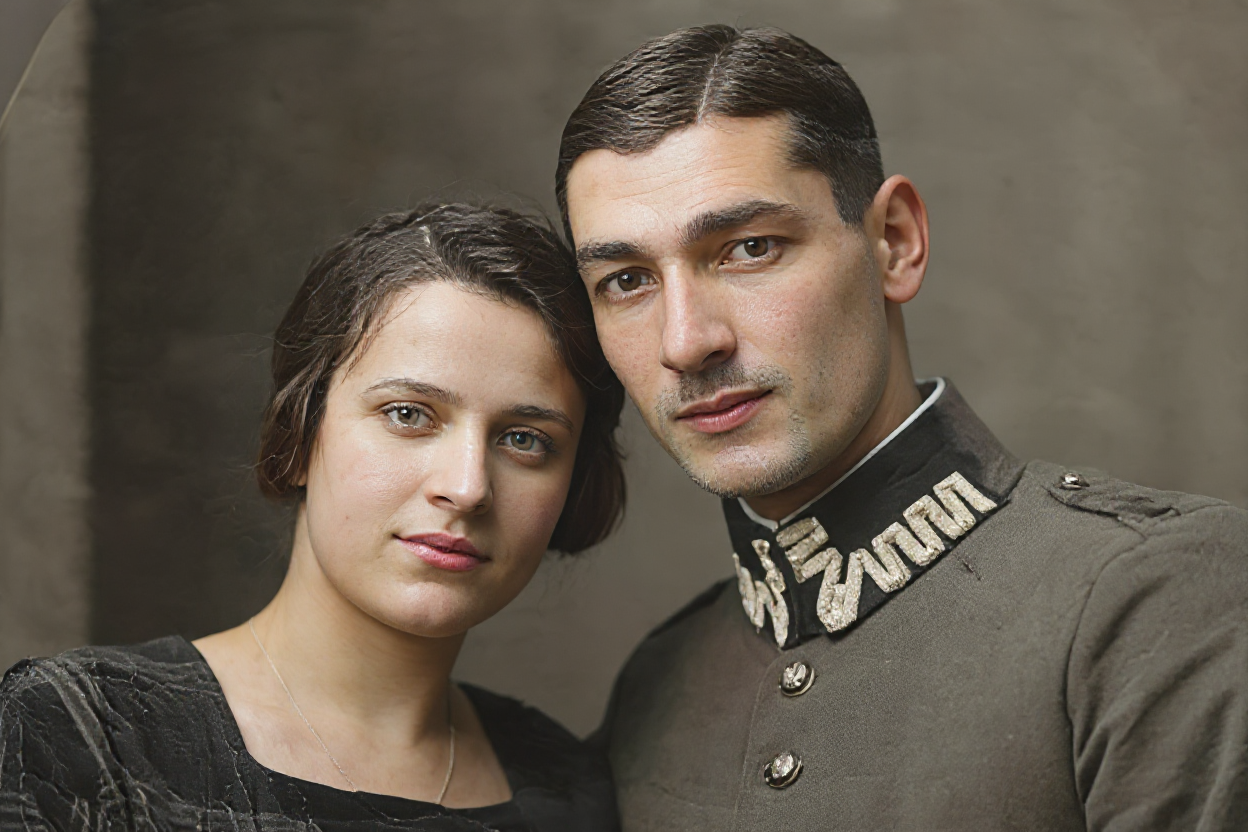
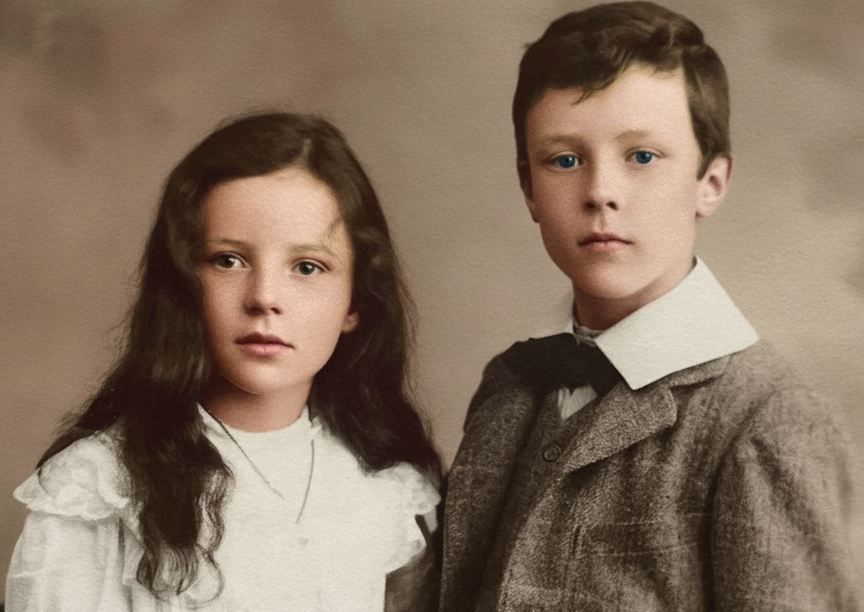
Vintage Photo Restoration: Bring faded family photos back to their original vibrant colors.
Indoor Photography: Correct color casts from artificial lighting in indoor photos.
Smartphone Photos: Fix white balance and color issues common in mobile photography.
Scanned Images: Improve color accuracy in scanned photographs and documents.
Professional Photography: Quick color correction for large batches of images.
Advanced Color Correction Techniques
Modern AI color correction incorporates sophisticated approaches:
Skin Tone Protection: Specialized algorithms ensure skin tones remain natural during color correction.
Memory Color Enhancement: AI understands how familiar objects (sky, grass, skin) should appear and corrects accordingly.
Localized Correction: Advanced systems can apply different corrections to different areas of the same image.
Temporal Consistency: For video or image sequences, AI maintains color consistency across multiple frames.
Style Preservation: Maintaining the original artistic intent while improving technical color accuracy.
Understanding Color Theory in AI Correction
AI color correction is based on fundamental color theory principles:
Color Wheel Relationships: AI understands complementary colors and how they interact to create natural appearance.
Color Temperature: Systems recognize warm and cool color relationships and adjust accordingly.
Saturation and Luminance: AI balances color intensity with brightness for natural-looking results.
Color Gamut: Understanding the range of colors possible in different display and print media.
Cultural Color Preferences: Some AI systems can adjust for different cultural preferences in color reproduction.
Comparing AI to Traditional Color Correction
AI color correction offers several advantages over manual methods:
Learning Curve: No need to understand complex color theory or learn professional software.
Speed: Instant corrections versus hours of manual adjustment.
Consistency: Reliable results across different images without manual skill variations.
Accuracy: AI-based correction often achieves more accurate color reproduction than manual attempts.
Accessibility: Professional-quality results without expensive software or specialized training.
Best Practices for Color Correction
To achieve optimal results when correcting colors:
Start with Quality Images: Higher quality originals provide better correction results.
Understand Lighting Context: Consider the original lighting conditions when evaluating correction results.
Preserve Artistic Intent: Some color shifts might be intentional artistic choices rather than problems to fix.
Monitor Quality: Use calibrated displays when possible to accurately judge color correction results.
Combine Techniques: Use color correction alongside other enhancements for comprehensive image improvement.
Troubleshooting Color Correction Issues
When encountering problems with color correction:
Over-Correction: If results appear unnatural, try processing with more subtle settings or selective correction.
Skin Tone Problems: Pay special attention to skin tones and adjust if they appear unnatural after correction.
Mixed Lighting: Images with multiple light sources may require localized correction approaches.
Artistic Images: Some stylized or artistic images may not benefit from automatic color correction.
Print vs. Display: Consider the final output medium when evaluating color correction results.
Applications Across Industries
AI color correction serves various professional and personal needs:
Photography: Professional photographers use AI for quick initial corrections before fine-tuning.
E-commerce: Product photography requires accurate colors for online retail presentations.
Media Production: Video and film production uses AI for consistent color grading across scenes.
Historical Preservation: Museums and archives use AI to restore accurate colors in historical images.
Social Media: Content creators use AI for quick, attractive color correction for social platforms.
The Science Behind Color Perception
Understanding how we perceive color helps explain AI correction effectiveness:
Human Vision: Our eyes and brain work together to interpret color, and AI systems model these processes.
Color Constancy: Humans naturally adjust for lighting conditions, which AI systems try to replicate.
Emotional Response: Colors evoke emotional responses, and AI considers these psychological factors.
Cultural Variations: Different cultures may have varying color preferences and interpretations.
Context Dependency: Color perception depends on surrounding colors and lighting context.
Future Developments in AI Color Correction
Color correction technology continues to advance:
Real-Time Processing: Future cameras may incorporate real-time color correction during image capture.
Personal Preferences: AI systems that learn individual color preferences and apply them consistently.
Contextual Understanding: More sophisticated scene understanding for better correction decisions.
Cross-Media Optimization: AI that optimizes colors for specific display or print media automatically.
Integration with Workflows: Seamless integration with professional photography and video workflows.
Conclusion
AI color correction has democratized professional-quality color enhancement, making it accessible to photographers, content creators, and anyone wanting to improve their images. Tools like RestoreAI's Color Fixer provide instant, intelligent color correction that would have required hours of manual work just a few years ago.
Whether you're restoring faded family photos, correcting white balance issues, or preparing images for professional use, AI color correction offers a powerful and user-friendly solution. The technology continues to improve, providing increasingly sophisticated and natural-looking results.
Transform your color-challenged images today with RestoreAI's Color Fixer and experience how AI can instantly restore vibrant, natural colors to your most important photographs.